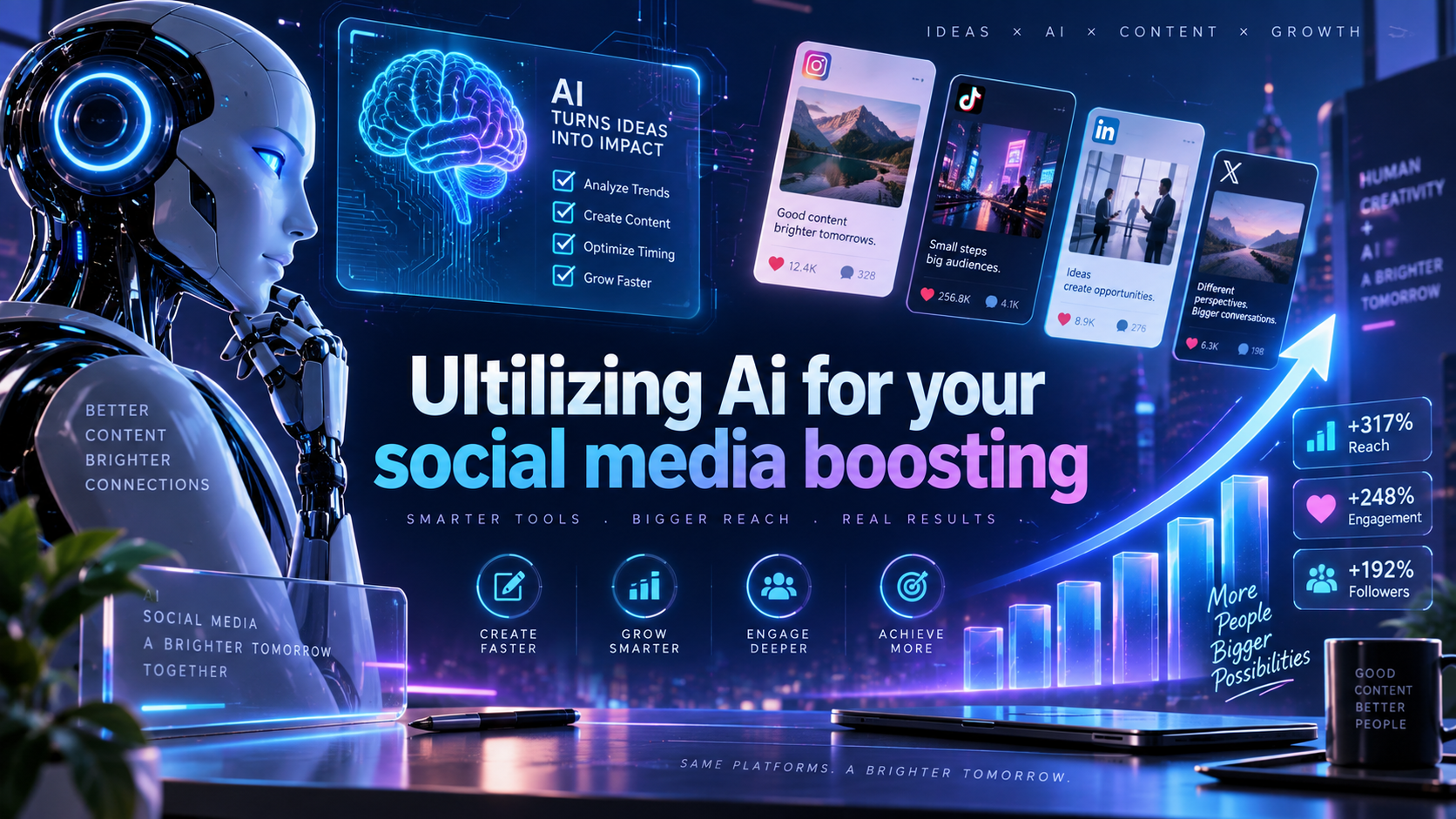
Are You Utilizing AI for Your Social Media Boosting?
In 2026 the line between creativity and technology is thinner than ever. Instagram content creators who once relied solely on intuition now have a suite of artificial‑intelligence tools that can automate repetitive tasks, surface hidden trends, and amplify audience reach. This guide walks you through why AI matters, which tools are worth your time, how to weave them into a sustainable workflow, and what pitfalls to watch out for.
Why AI Matters for Instagram Creators
Instagram’s algorithm continues to prioritize content that keeps users scrolling. AI helps you meet that demand by analyzing massive data sets—likes, comments, watch time, and even the subtle cues of visual aesthetics—to predict what will resonate next. The benefits are threefold:
- Speed: Automated caption generation, hashtag suggestions, and posting schedules free up hours each week.
- Precision: Machine‑learning models can identify micro‑niches within your follower base, allowing you to tailor content that feels personal.
- Scalability: As your audience grows, AI scales with you, handling larger comment volumes and providing real‑time sentiment analysis.
All of this translates into higher engagement rates without sacrificing authenticity.
Top AI Tools to Elevate Your Feed
1. Visual‑First Caption Generators
Tools like CaptionCraft AI ingest your image, read its visual elements, and suggest captions that match your brand voice. They also embed relevant emojis and call‑to‑action prompts, which research shows can lift interaction by up to 12%.
2. Hashtag Optimizers
Platforms such as HashTagger Pro evaluate trending tags, competition density, and relevance to your niche. The result is a balanced mix of high‑volume and long‑tail hashtags that improve discoverability without getting lost in oversaturated streams.
3. Reel‑AI Editors
AI‑driven video editors like ClipBoost automatically trim footage, add subtitles, and suggest music tracks that match the mood of your reel. They also recommend optimal lengths based on current audience retention metrics.
4. Scheduling Assistants
Smart schedulers such as PostPulse AI analyze when your followers are most active across time zones and automatically queue posts for those windows. The tool can also A/B test posting times to fine‑tune your calendar.
5. Sentiment & Comment Management
AI chatbots like ReplyBot filter spam, prioritize high‑value comments, and even draft personalized replies. This keeps community interaction lively while you focus on content creation.
Integrating AI Into Your Workflow
Adopting AI isn’t about replacing your creative instincts; it’s about augmenting them. Here’s a step‑by‑step workflow that many successful creators follow:
- Idea Generation: Use a prompt‑based AI (e.g., ChatGPT‑4) to brainstorm carousel concepts or reel storyboards based on trending topics.
- Asset Creation: Generate mood boards with AI‑image generators, then refine with your own photography or design tools.
- Caption & Hashtag Drafting: Run the final visual through a caption generator, then feed the output into a hashtag optimizer for the final list.
- Video Editing: Upload raw footage to a Reel‑AI editor, apply suggested cuts, and let the tool add subtitles automatically.
- Scheduling: Queue the post in a smart scheduler, allowing the AI to select the best publishing window.
- Engagement: Activate a comment‑management bot to acknowledge top comments within minutes of posting.
- Analytics Review: At the end of each week, pull AI‑driven performance reports that break down reach, saves, and follower growth by content type.
By following this loop, you keep the creative spark alive while the AI handles the heavy lifting.
Measuring Success with AI Analytics
AI analytics dashboards go beyond surface‑level metrics. They surface insights such as:
- Content Fatigue Index: Detect when similar visual styles start to lose traction.
- Audience Sentiment Trends: Track how positive or negative reactions evolve over a campaign.
- Conversion Pathways: Map the journey from a reel view to a profile visit, link click, or direct message.
Use these insights to iterate quickly—swap out underperforming assets, double down on formats that generate saves, or experiment with new caption tones.
Common Pitfalls to Avoid
Even the best AI tools can misfire if you’re not mindful:
- Over‑Automation: Relying solely on AI‑generated captions can make your voice feel generic. Always add a personal touch.
- Data Blindness: Trusting AI recommendations without context may lead you to chase fleeting trends that don’t align with your brand.
- Privacy Oversights: Some AI platforms require access to your account data. Review permissions and keep personal information secure.
Balancing automation with human judgment is the key to sustainable growth.
FAQ
Do I need a paid subscription for AI tools?
Many providers offer free tiers with limited daily usage. For a growing creator, a modest monthly budget (often $15‑$30 per tool) unlocks advanced features and higher limits.
Can AI replace a social media manager?
AI excels at repetitive tasks and data analysis, but strategy, storytelling, and crisis management still benefit from a human touch.
Is AI safe for brand reputation?
When you review AI‑generated content before publishing, you mitigate risks of off‑brand language or inappropriate suggestions.
How often should I update my AI toolset?
AI evolves rapidly. Review your stack quarterly, test new features, and retire tools that no longer add value.